Confirm Release v2.4.0
Ensure the application version matches v2.4.0 on https://arionplay.site/app/. Avoid unofficial clones that add extra hyphens or third-party promotional tags to the app title.

Get the official arionplay app (Release v2.4.0) for iPhone, iPad, and Android smartphones in the Philippines. Enjoy low-latency slot and live dealer streaming, biometric login protection, and integrated PHP cashier access for GCash, Maya, and local banks.
To protect your account against look-alike apps, always verify that the publisher is listed as ArionPlay Entertainment Group Ltd. and initiate your download from https://arionplay.site/app/.
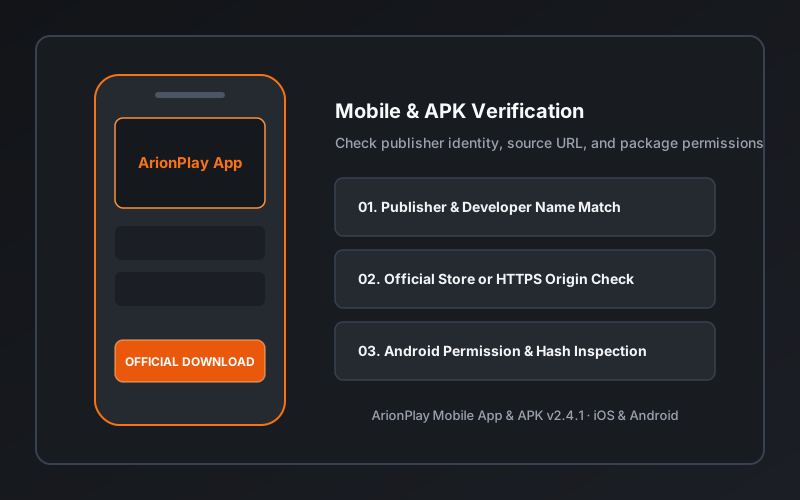
Official ArionPlay App v2.4.0 for iOS 14.0+ and Android 9.0+ devices.
Verify the technical release parameters below before installing or updating the arionplay app on your mobile device.
| App Specification | Verified Production Details | Security & Compatibility Standard |
|---|---|---|
| Official iOS Distribution Portal | https://arionplay.site/app/ |
Supports iPhone and iPad running iOS 14.0 or newer. |
| Official Android Distribution Portal | https://arionplay.site/app/ · Android APK Hub |
Supports Android smartphones and tablets running Android 9.0+. |
| Verified Developer / Publisher Name | ArionPlay Entertainment Group Ltd. | Matches our corporate registration disclosed on the About page. |
| Current Release Version & OS Support | v2.4.0 (Requires iOS 14.0+ or Android 9.0+) |
Includes TLS 1.3 transport encryption and biometric session lock. |
Follow these four checks on your smartphone to ensure you are running the authentic ArionPlay mobile client.
Ensure the application version matches v2.4.0 on https://arionplay.site/app/. Avoid unofficial clones that add extra hyphens or third-party promotional tags to the app title.
Confirm that the developer publisher is ArionPlay Entertainment Group Ltd. and that the in-app privacy link points directly to https://arionplay.site/privacy/.
Always launch downloads from https://arionplay.site/. Never install packages sent through unsolicited SMS links, Telegram groups, or social media comment sections.
The official ArionPlay App requires only standard network access and optional camera access for KYC ID upload. It never requests access to your SMS messages, call logs, or contact list.